Manage Your Subscription
View your plan, update billing details, and manage your Transcribe Health subscription.
All billing and subscription management is handled through your organization settings. Only organization owners can modify billing details.
Viewing your current plan
Navigate to Organization in your sidebar, then click the Billing tab.
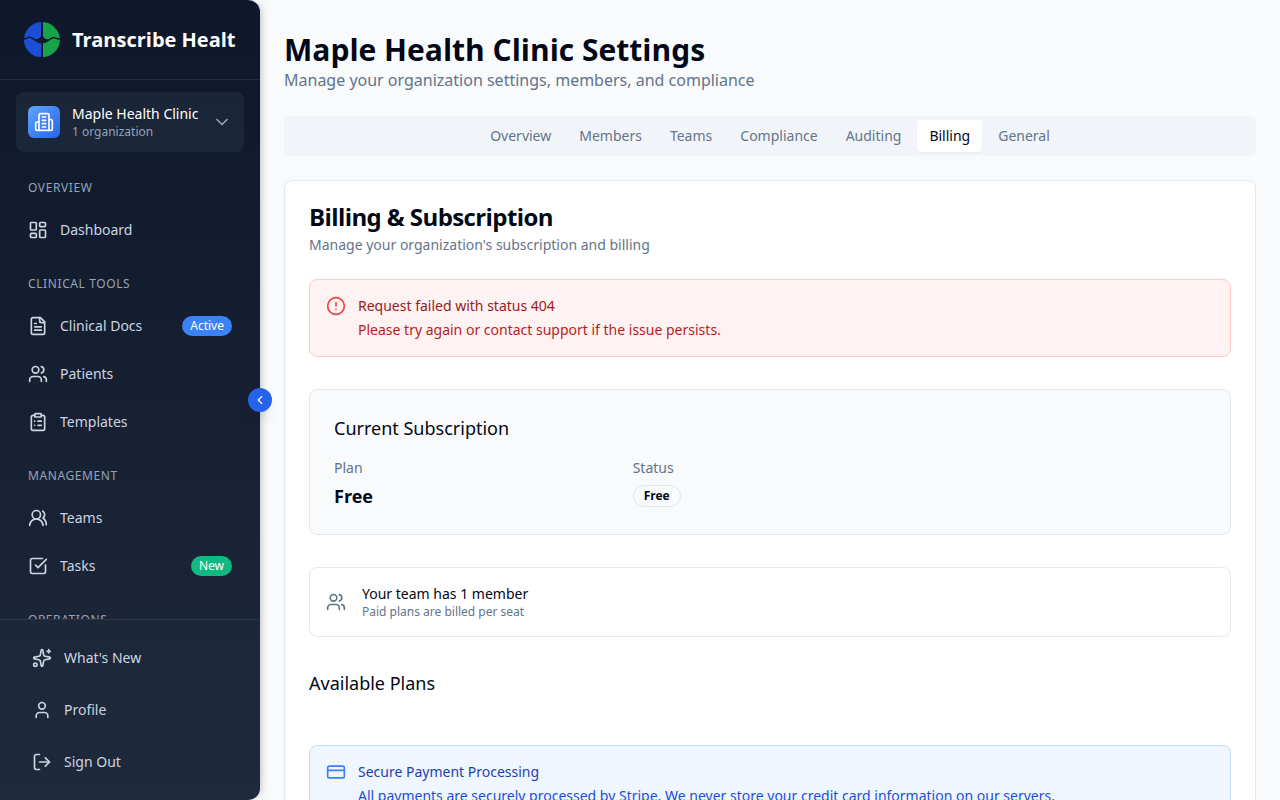
You'll see:
- Your current plan name and features
- Billing cycle (monthly or annual)
- Next billing date
- Current usage for the billing period
Changing your plan
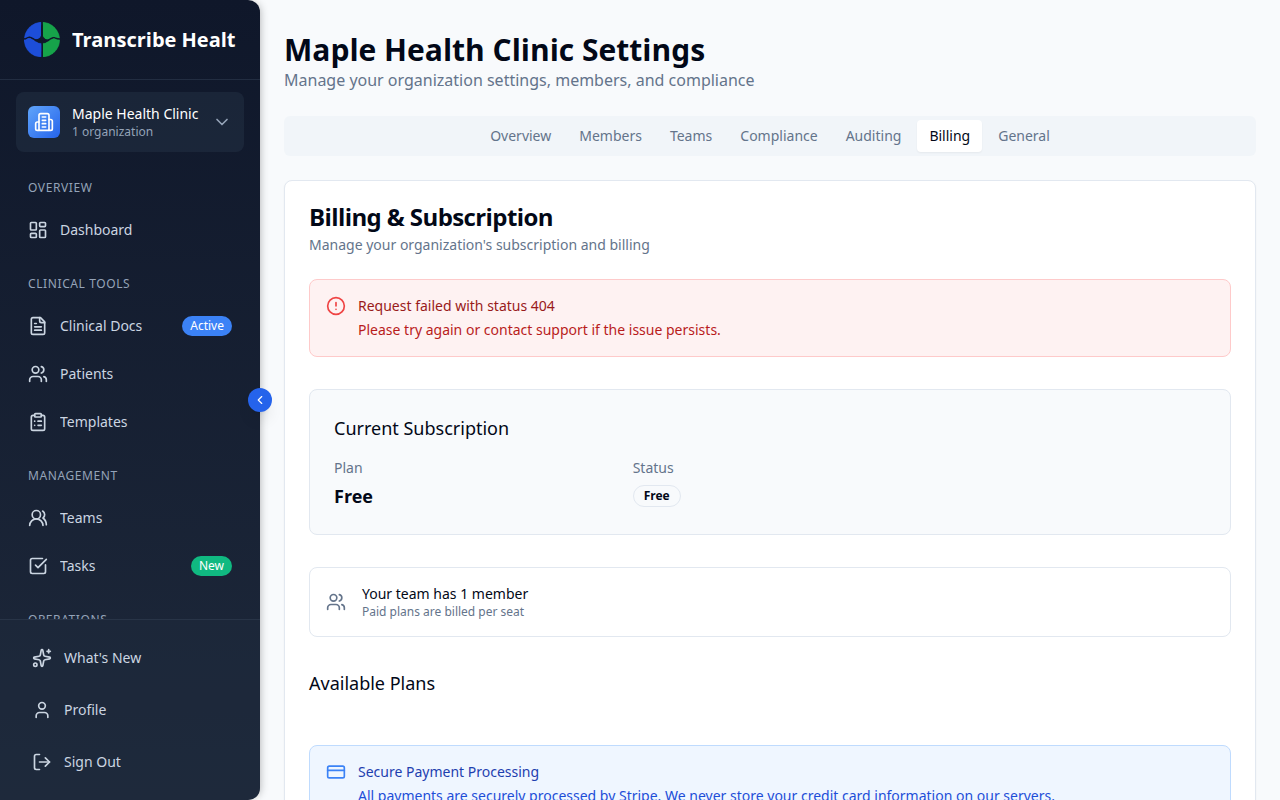
Upgrade
Click Change Plan and select a higher tier. Upgrades take effect immediately. You'll be charged a prorated amount for the remainder of your current billing cycle.
Downgrade
Select a lower tier from the plan options. Downgrades take effect at the end of your current billing cycle to ensure you keep access to features you've already paid for.
Updating payment method
Click Update Payment Method in the billing settings to change your credit card or payment details. Payments are processed securely through Stripe.
Viewing invoices
All past invoices are available under Settings > Billing > Invoices. You can download invoices as PDF for your records.
Cancelling your subscription
To cancel, click Cancel Subscription at the bottom of the billing page. Your access continues until the end of the current billing period.
After cancellation:
- Your data is retained according to your organization's data retention policy
- You can reactivate at any time by selecting a new plan
- Team members will lose access when the subscription ends
Usage tracking
Monitor your organization's usage from the billing page:
- Transcription minutes used this billing period
- Storage consumed by documents and audio files
- Team members count against your plan's seat limit
Can't find what you're looking for?
Our team is here to help. Reach out and we'll get back to you within 24 hours.
Contact Support