Compliance Overview
View your organization's HIPAA compliance status, signed documents, and security features.
The Compliance tab provides a summary of your organization's compliance posture, including HIPAA document status and built-in security features.
Viewing compliance status
Navigate to Organization > Compliance to see your compliance dashboard.
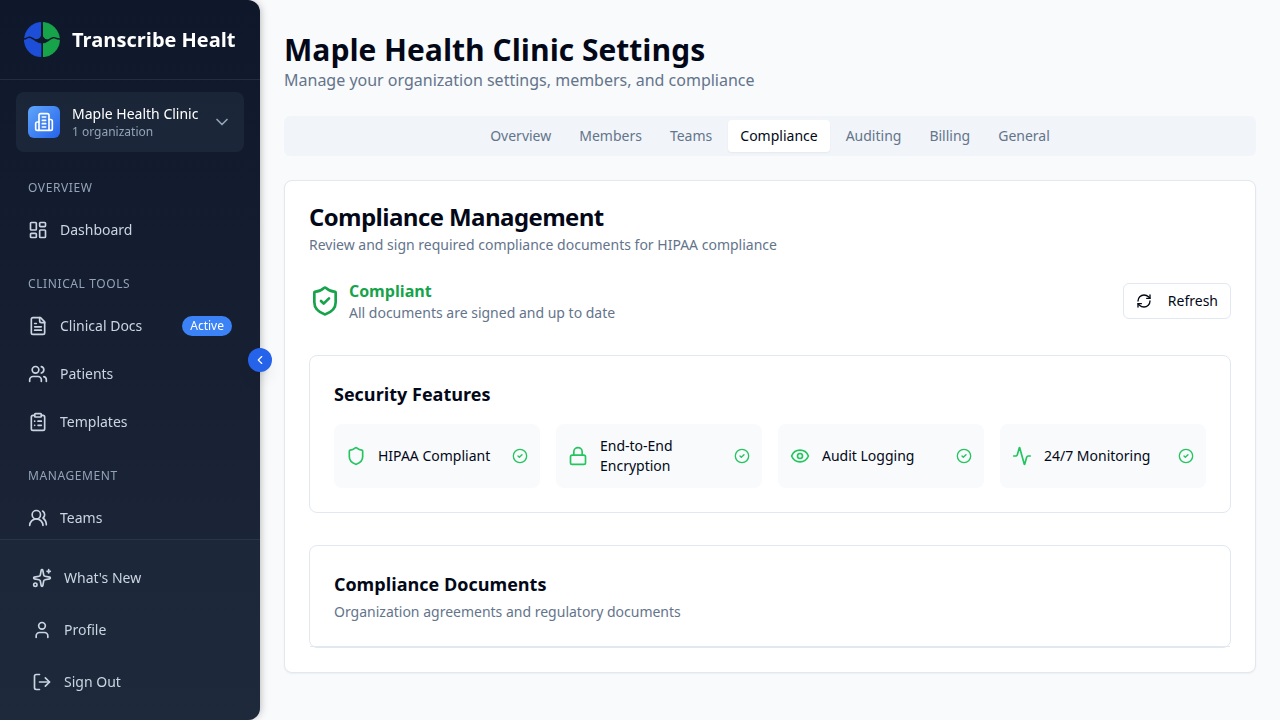
The dashboard shows:
- Compliance status - Green checkmark if all documents are signed and current, or an action-required alert if any need attention
- Security features - Confirmation of built-in protections: HIPAA compliance, end-to-end encryption, audit logging, and 24/7 monitoring
Compliance documents
Scroll down to view all compliance documents and their status.
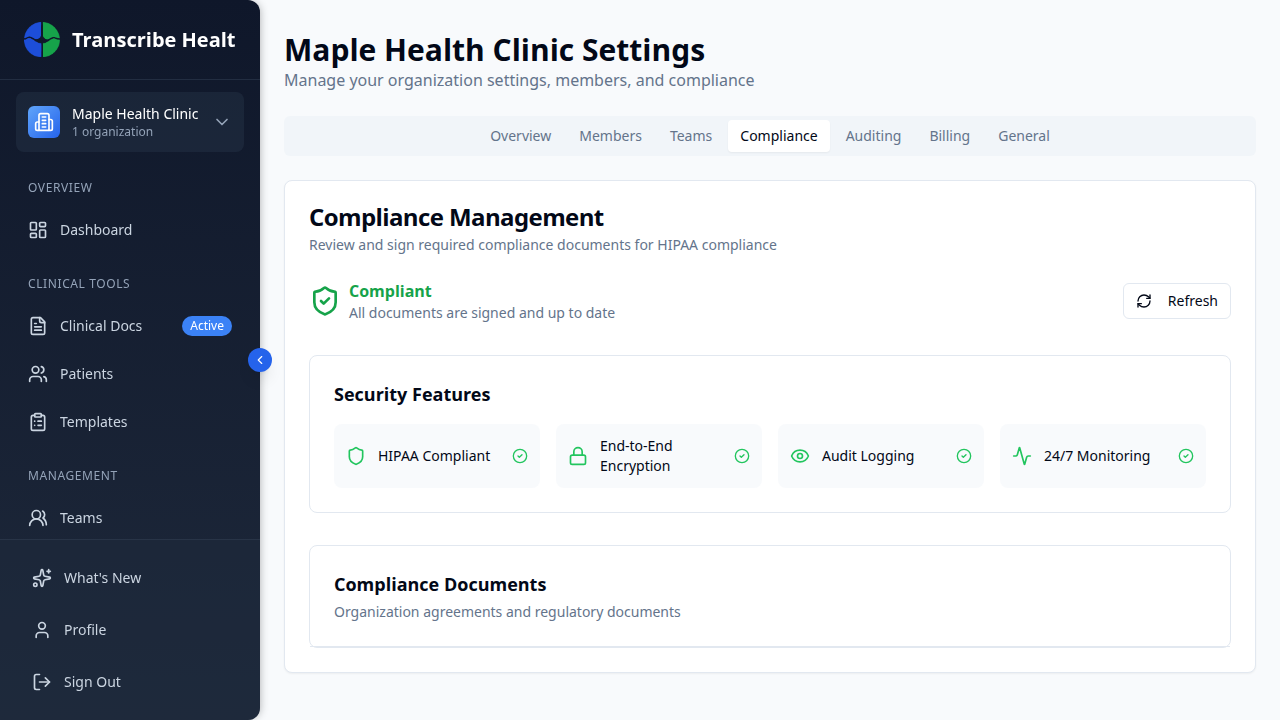
Each document shows:
| Status | Meaning |
|---|---|
| Signed (green) | Document is signed and current |
| Action Required (red) | Document needs to be signed |
| Expired (yellow) | Document has expired and needs renewal |
| Outdated (orange) | A newer version is available |
Downloading documents
Click Download next to any signed document to save a copy for your records. This is useful for audits and record-keeping.
Business Associate Agreement (BAA)
The BAA is required for HIPAA compliance. It must be signed before your organization can handle protected health information (PHI). The BAA status is prominently displayed and marked as "Required for HIPAA compliance."
Related Articles
Enable Multi-Factor Authentication
Add an extra layer of security to your account by enabling MFA with an authenticator app.
Account & SettingsManage Organization Settings
Configure your organization's details, consent requirements, data retention, and more.
Account & SettingsManage Team Members and Roles
Invite members, assign roles, manage permissions, and organize teams in your organization.
Can't find what you're looking for?
Our team is here to help. Reach out and we'll get back to you within 24 hours.
Contact Support