Create Your Account
Sign up for Transcribe Health and set up your account in under two minutes.
Getting started with Transcribe Health takes less than two minutes. Follow these steps to create your account and start using AI-powered medical documentation.
Steps
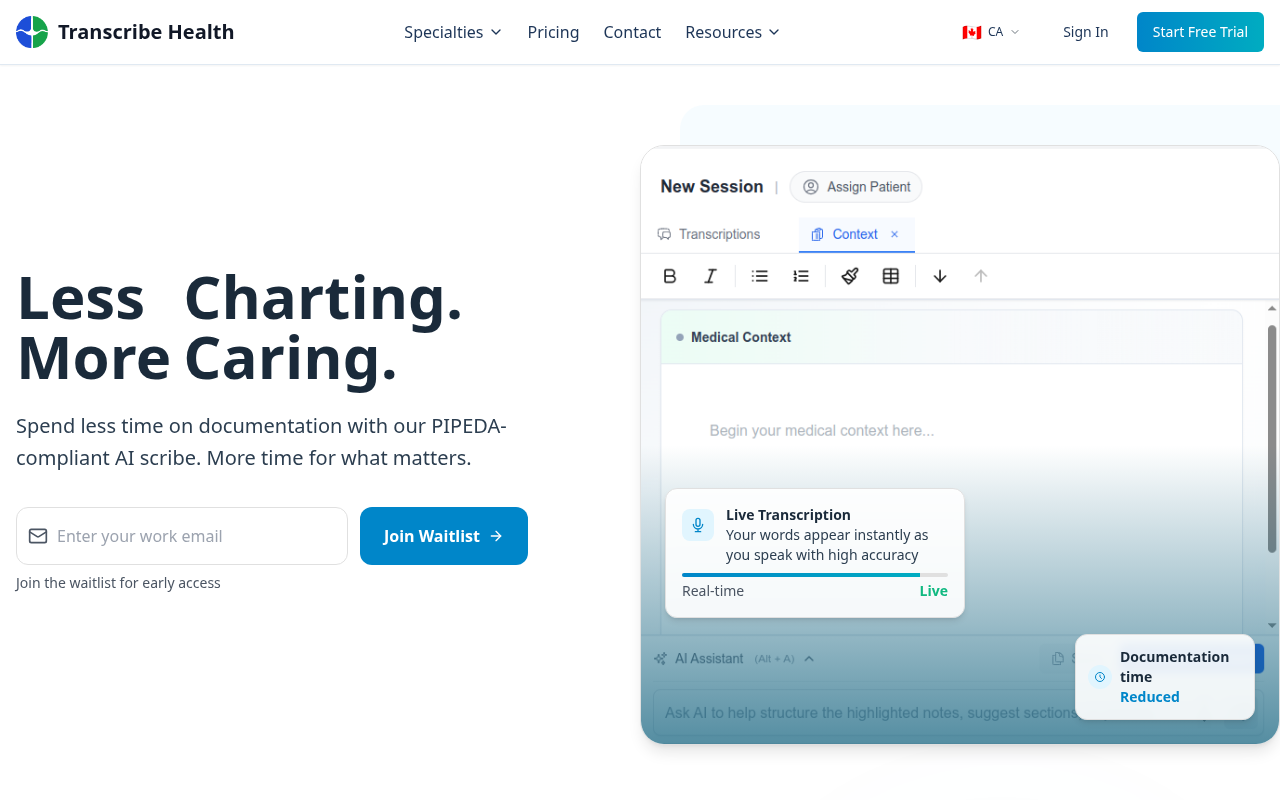
1. Go to the sign-up page
Click Start Free Trial from the top navigation bar on any page, or navigate directly to the sign-up page.
2. Enter your details
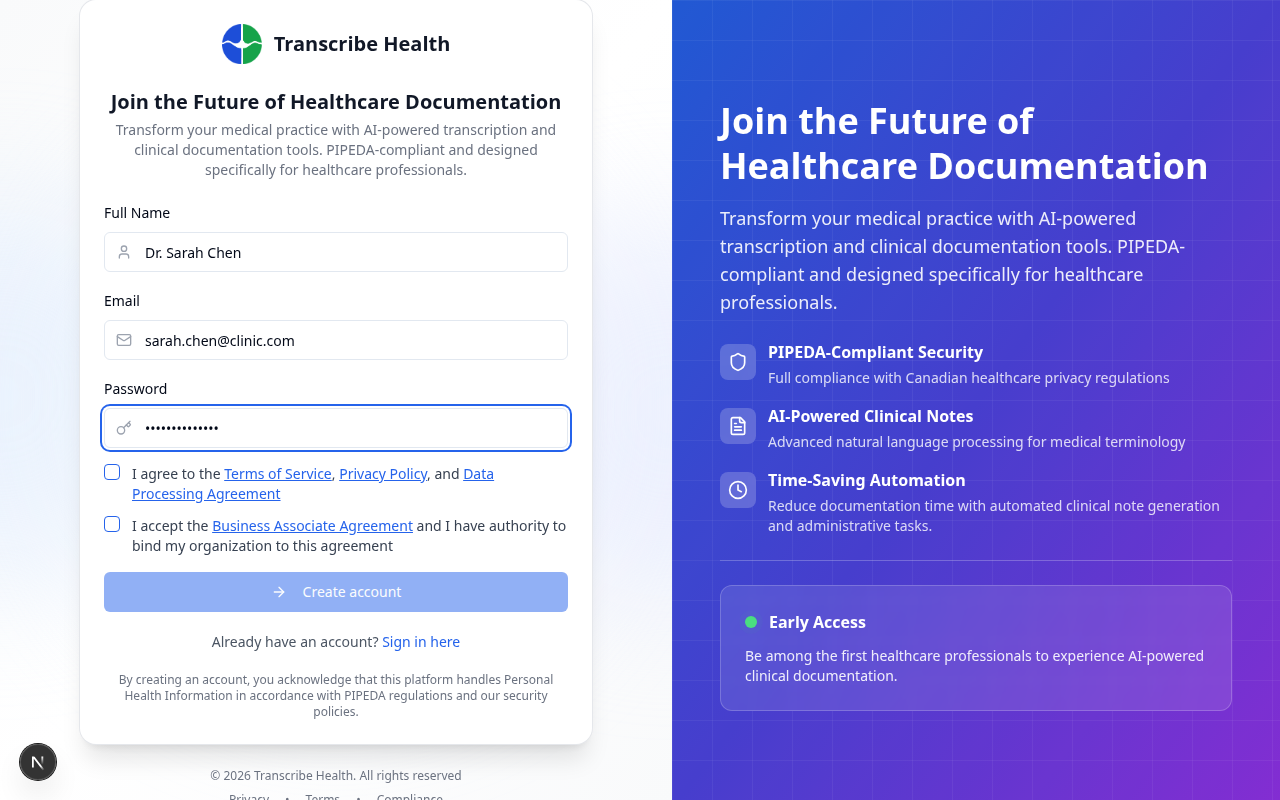
Fill in your full name, email address, and create a password. Accept the Terms of Service, Privacy Policy, and BAA agreement.
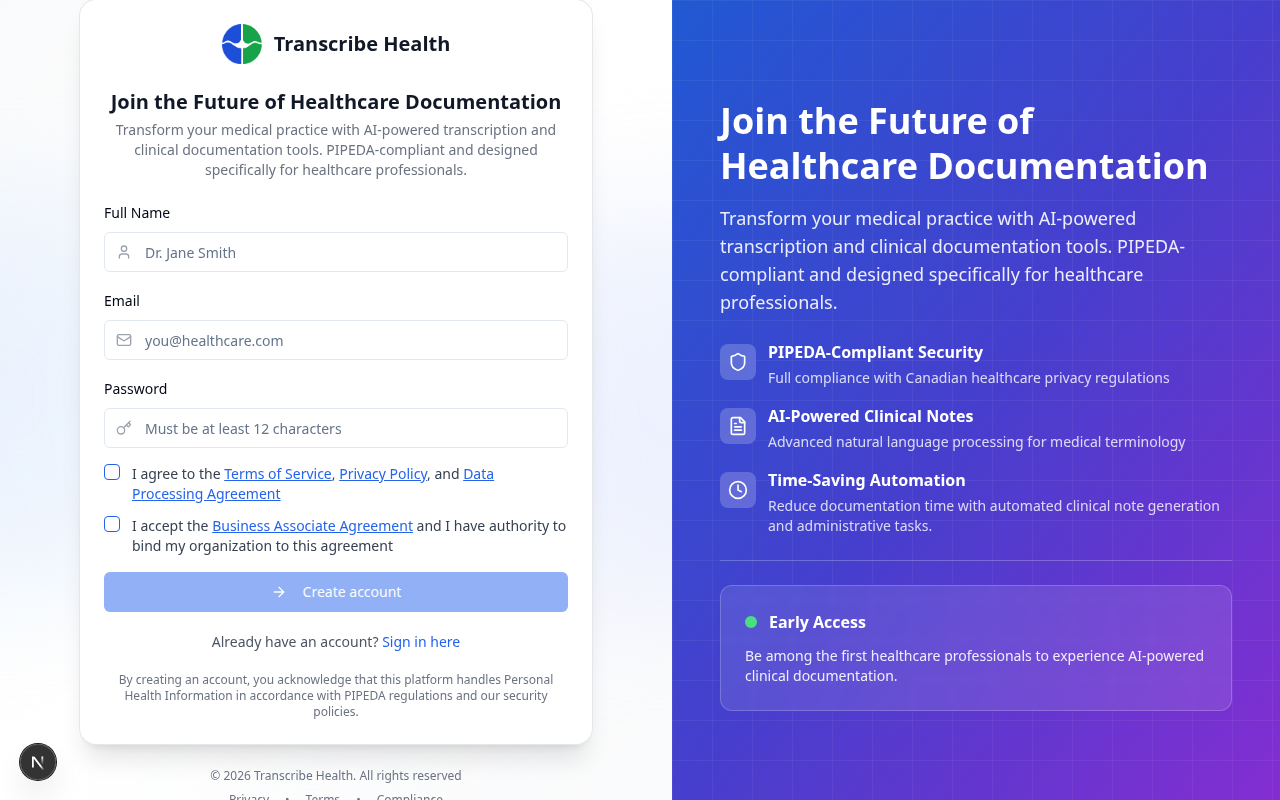
Your password must meet the following requirements:
- At least 8 characters
- One uppercase letter
- One lowercase letter
- One number
3. Verify your email
Check your inbox for a verification email from Transcribe Health. Click the Verify Email link to activate your account.
If you don't see the email, check your spam folder. The link expires after 24 hours.
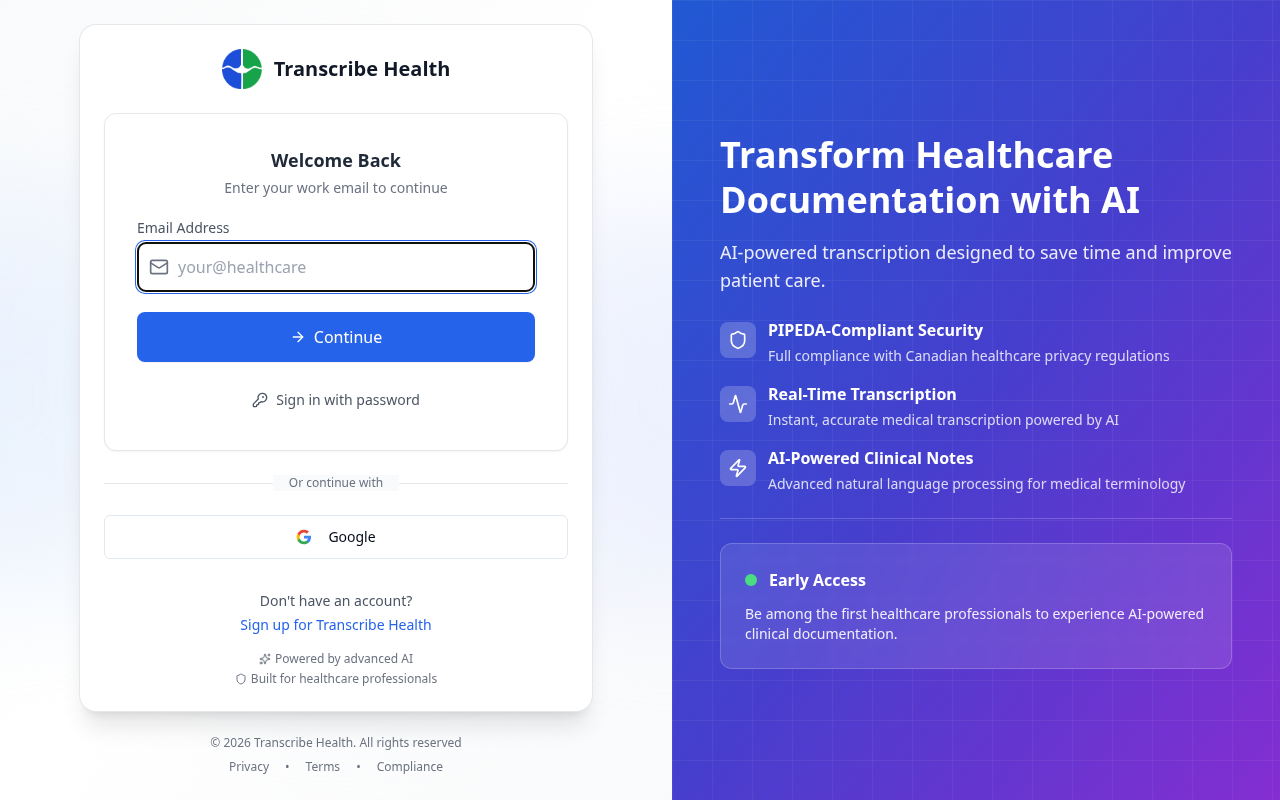
4. Sign in
After verifying your email, sign in with the email and password you created.
What's next?
Once your account is created, you can:
- Create an organization to start collaborating with your team
- Join an existing organization if a colleague has already set one up
- Enable multi-factor authentication for additional security
Related Articles
Can't find what you're looking for?
Our team is here to help. Reach out and we'll get back to you within 24 hours.
Contact Support