Manage Patients
Add, search, and manage patient records in your organization.
The Patients page lets you maintain patient records for your organization. Each patient record stores demographics, contact information, insurance details, and allergies - all linked to their transcription sessions and clinical documents.
Accessing patients
Click Patients in the sidebar navigation within your organization.
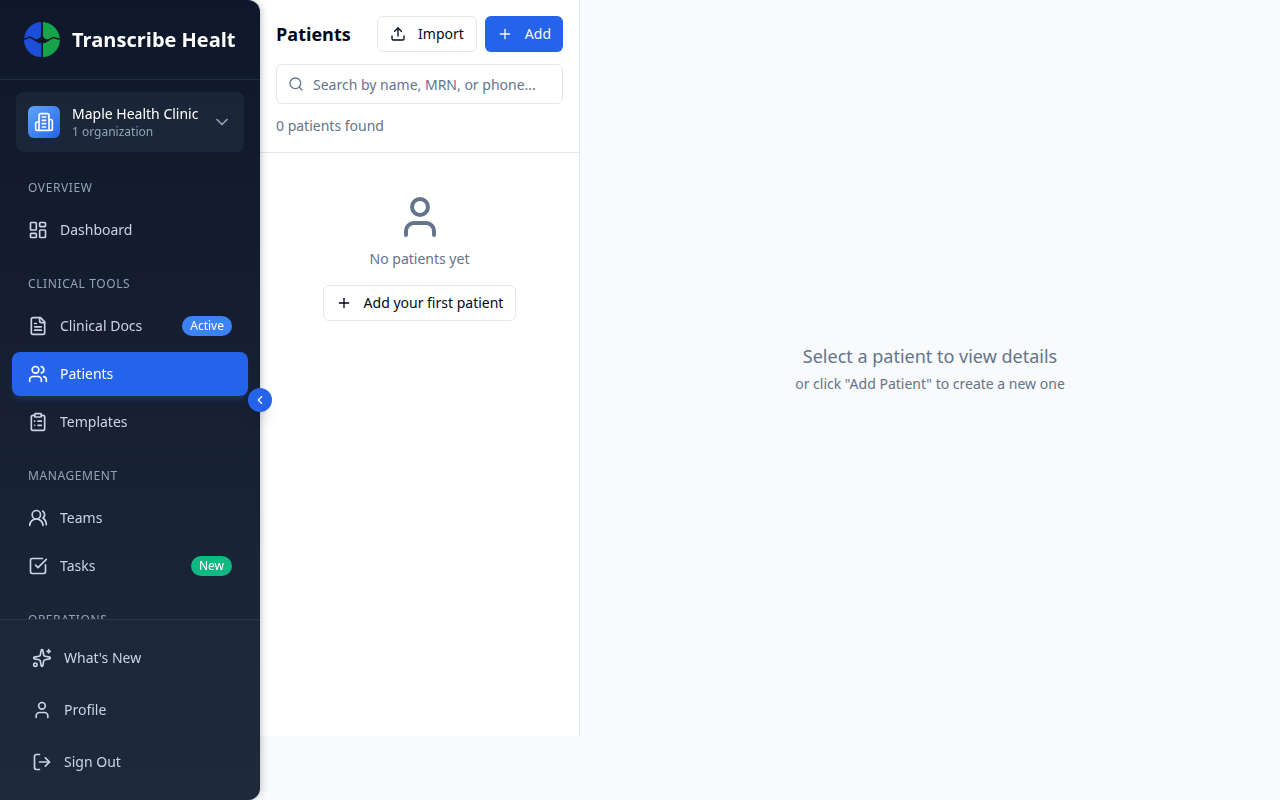
The page uses a split-panel layout: the left panel shows your patient list with search, and the right panel shows the selected patient's details.
Adding a new patient
1. Click Add
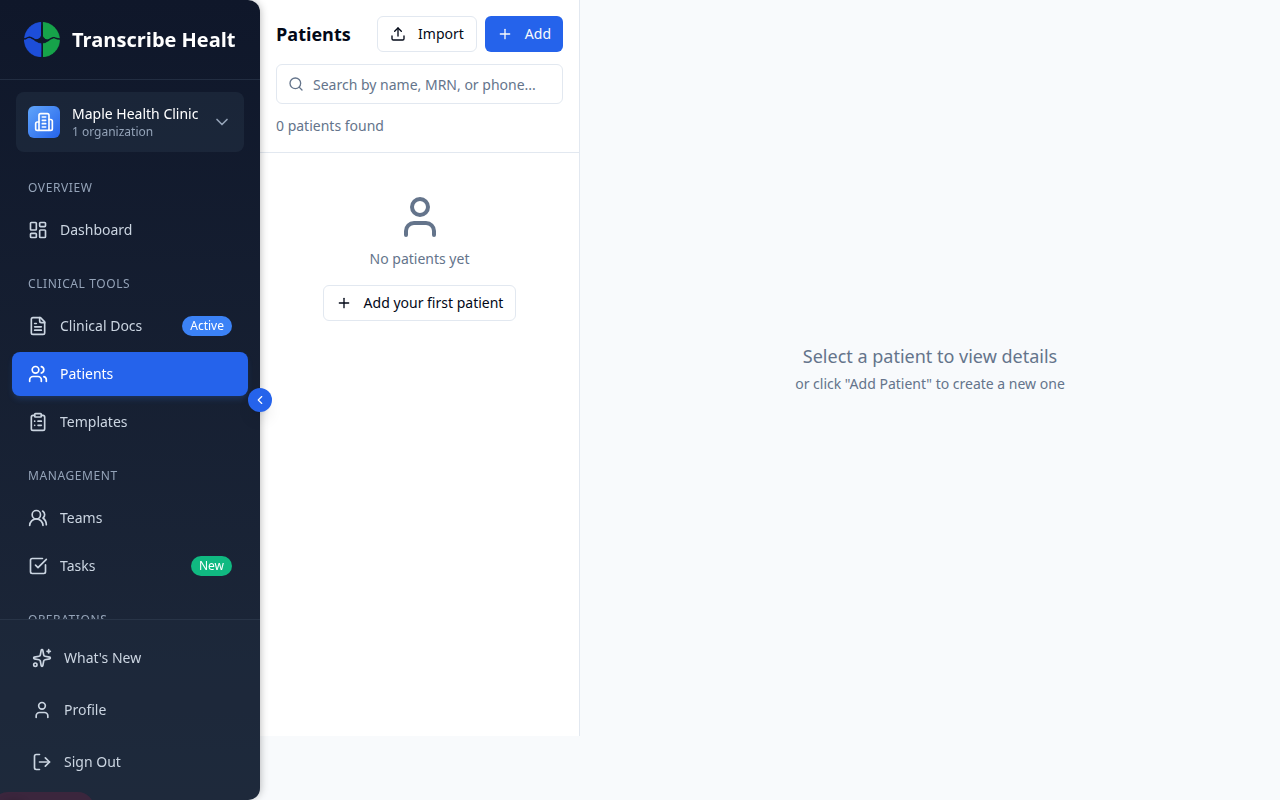
Click the + Add button at the top of the patient list.
2. Fill in patient details
The patient form has four sections:
Personal Information
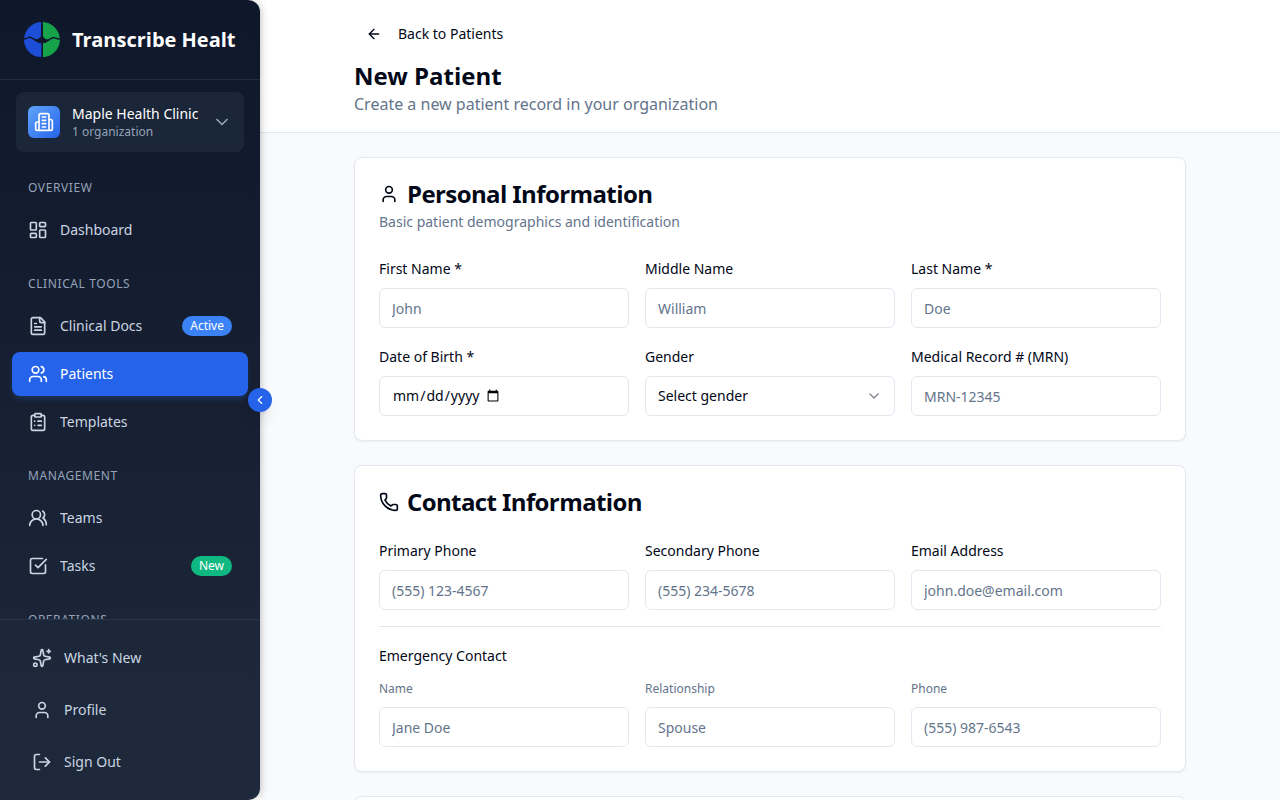
- First Name and Last Name (required)
- Middle Name (optional)
- Date of Birth (required)
- Gender
- Medical Record Number (MRN)
Contact Information
- Primary and secondary phone numbers
- Email address
- Emergency contact (name, relationship, phone)
Address
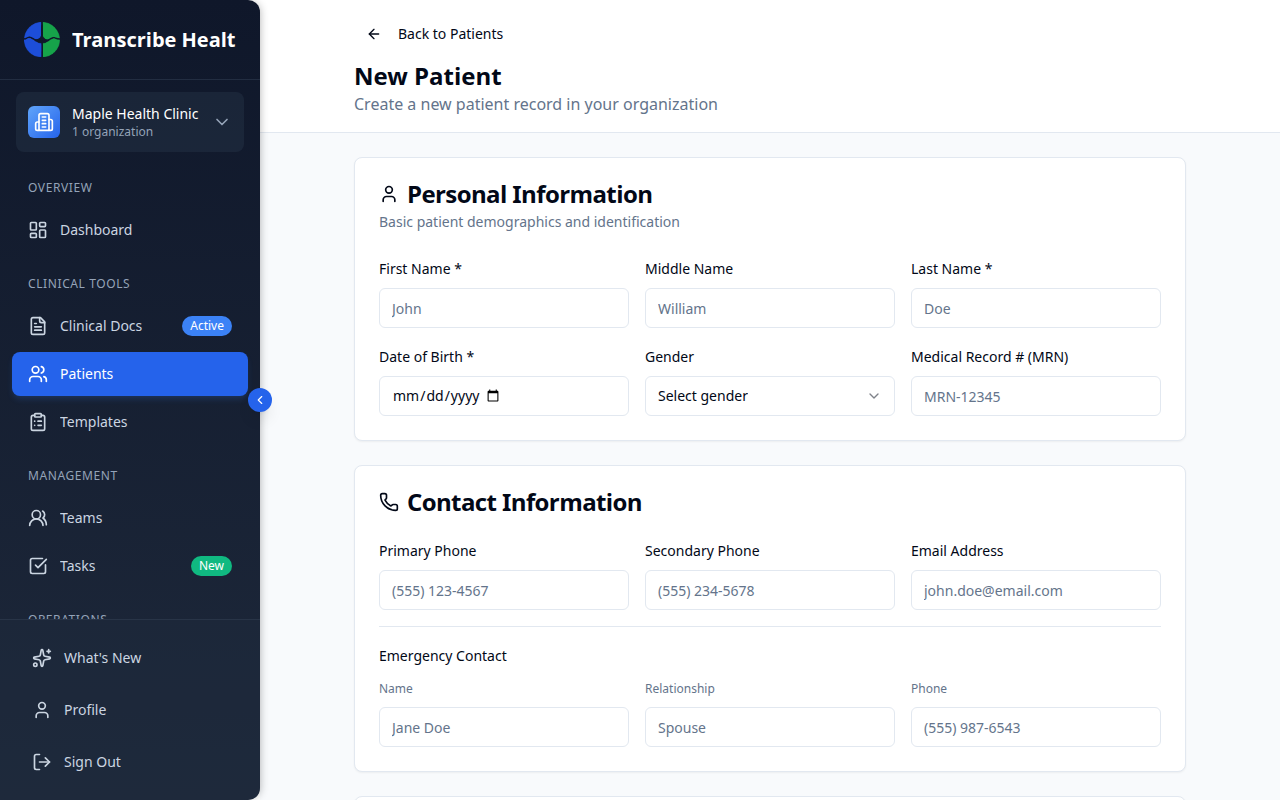
- Street address, city, province, postal code
Insurance Information
- Insurance provider, policy number, group number
3. Save the patient
Click Create Patient to save the record.
Searching patients
Use the search bar to find patients by name, MRN, or phone number. Results update as you type.
Patient detail view
Click any patient to view their full profile in the right panel:
- Overview - Contact information, insurance, allergies, and key dates
- Visits - History of transcription sessions linked to this patient
- Documents - Clinical documents generated for this patient
Managing allergies
In the patient detail view, the Allergies section lets you:
- Add an allergy - Click the + button and specify the allergen, reaction, and severity
- Remove an allergy - Hover over an allergy and click the trash icon
Allergies are displayed with color-coded severity badges for quick visual reference.
Importing patients
Click Import at the top of the patient list to bulk-import patient records from a file.
Related Articles
Start a Transcription Session
Learn how to create and run a real-time AI transcription session for clinical encounters.
FeaturesManage Document Templates
Create, edit, and organize document templates for generating clinical documents from transcriptions.
FeaturesUse Real-time Translation
Translate your live transcription into another language during a streaming session.
Can't find what you're looking for?
Our team is here to help. Reach out and we'll get back to you within 24 hours.
Contact Support