Transcribe Health platform walkthrough
A narrated tour of the schedule, visits, clinical notes, Dorvi, patient records and tasks, then one blood pressure follow-up from booking to a signed note.
Transcript
The narration as spoken in the video.
The platform tour
Running a clinic takes more than seeing patients. Every day there are notes to write, visits to book and patients to follow up with. Most clinics juggle a different tool for each of those jobs.
Transcribe Health brings all of that together in one AI platform built for clinics. It writes your clinical notes from the conversation. It keeps your schedule and sends the reminders. It lets you message patients securely. And it gives your whole team Dorvi, an AI assistant that can answer questions about your visits. The AI takes care of the busywork. Your team always has the final say.
Let's start with the schedule, where you can see every provider's day side by side. With the Booking link button at the top, patients can book a visit online. You can also add an appointment yourself with the New appointment button. Before each visit, reminders go out to patients automatically.
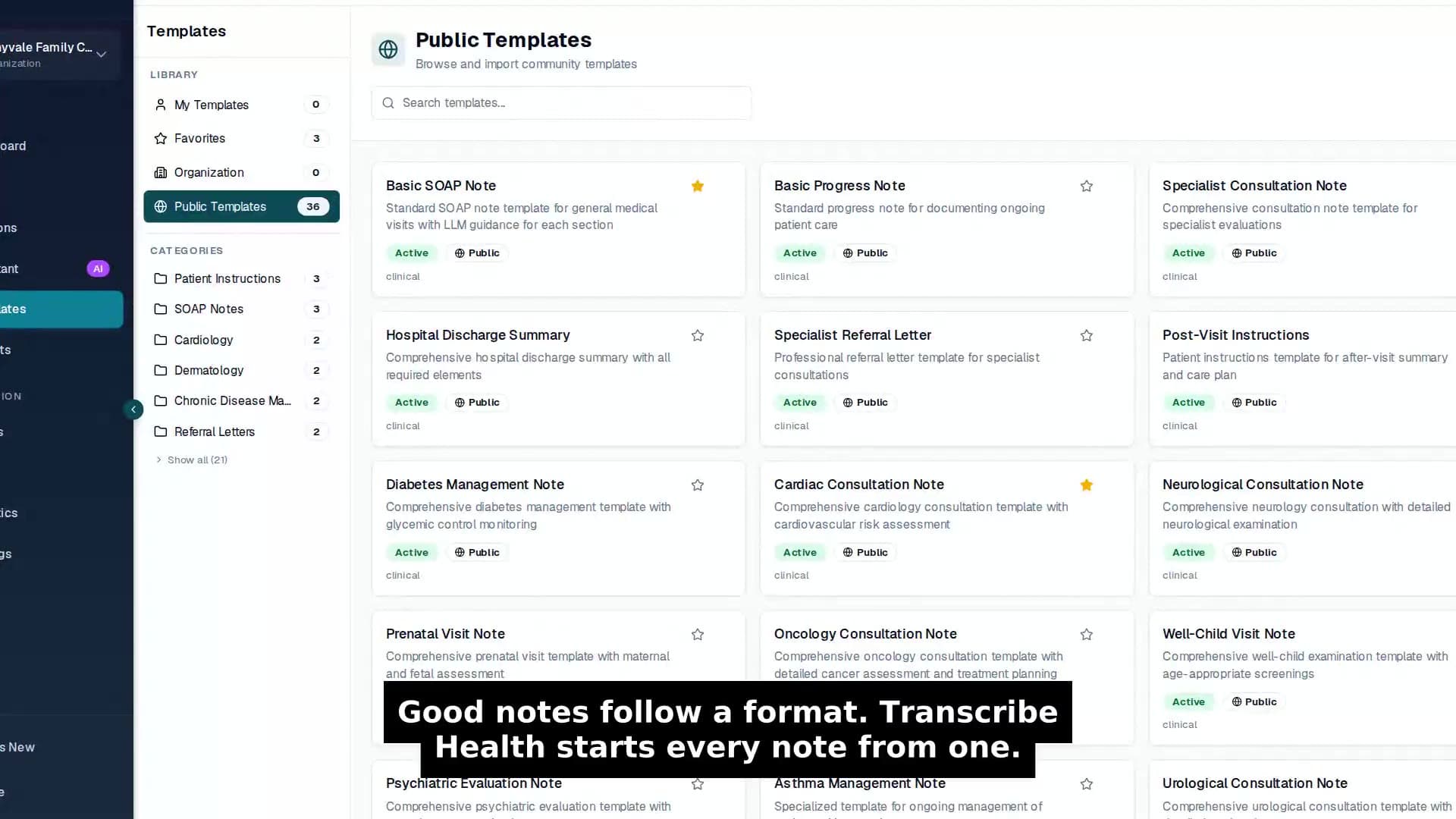
Visits are where the clinical work happens. On the left, you'll find every visit, grouped by day. When you record a conversation, a draft note appears in your own template. Once the note is right, you sign it from the top of the page. A signed note is locked against accidental changes.
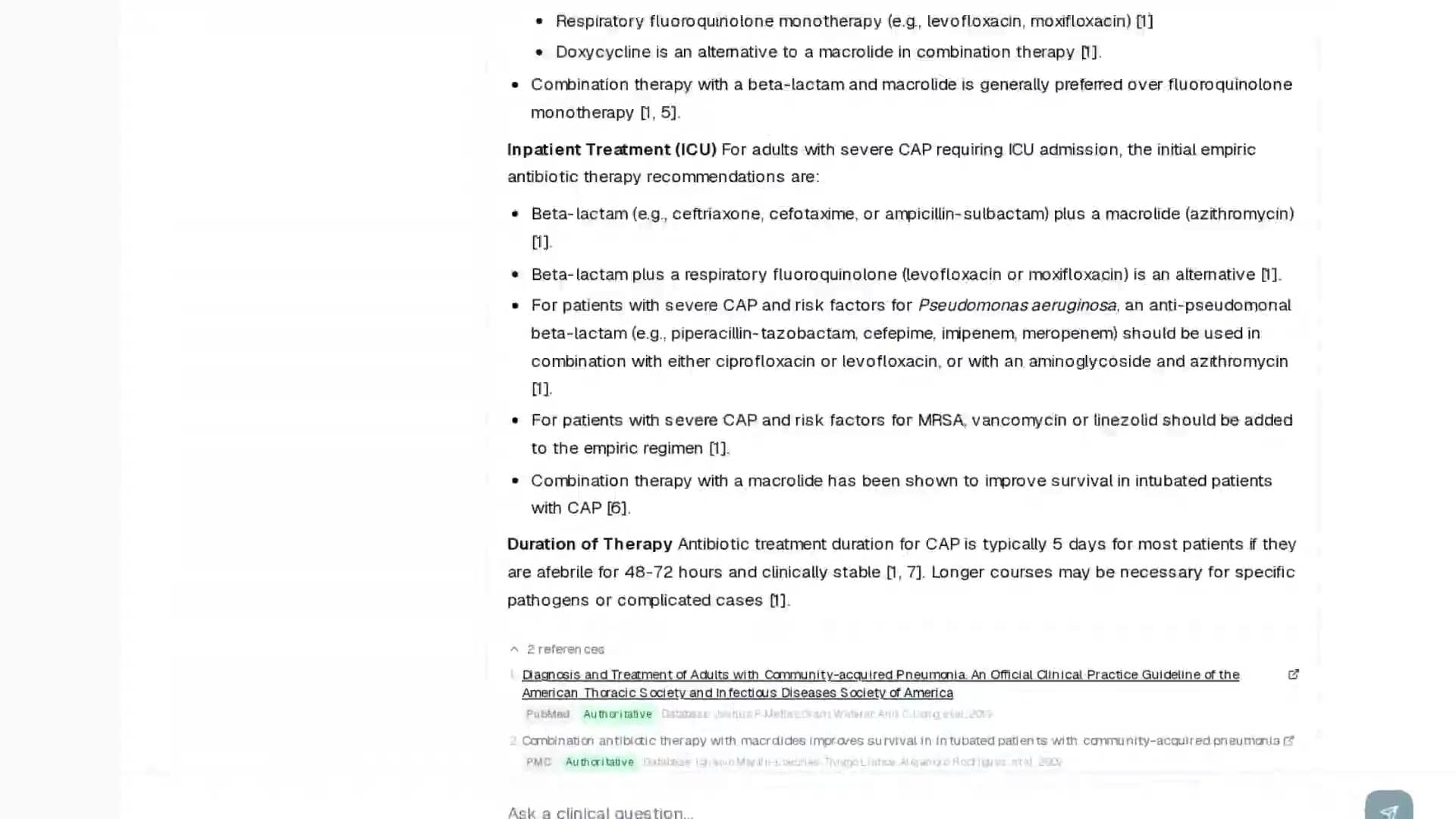
Dorvi is the AI assistant built into the platform. You can ask it a clinical question in plain language. Its answer comes back in seconds, with a numbered reference behind each point.
Below the answer, you can see every source it used. They come from trusted medical references, like StatPearls and MedlinePlus. When you open Dorvi inside a visit, it answers from that visit.
Every patient has one record that brings everything together. At the top, the visit journey shows where today's visit stands. The tabs below hold past visits, forms, documents and consent. To reach a patient, you can send a secure message with the Message patient button in the top right.
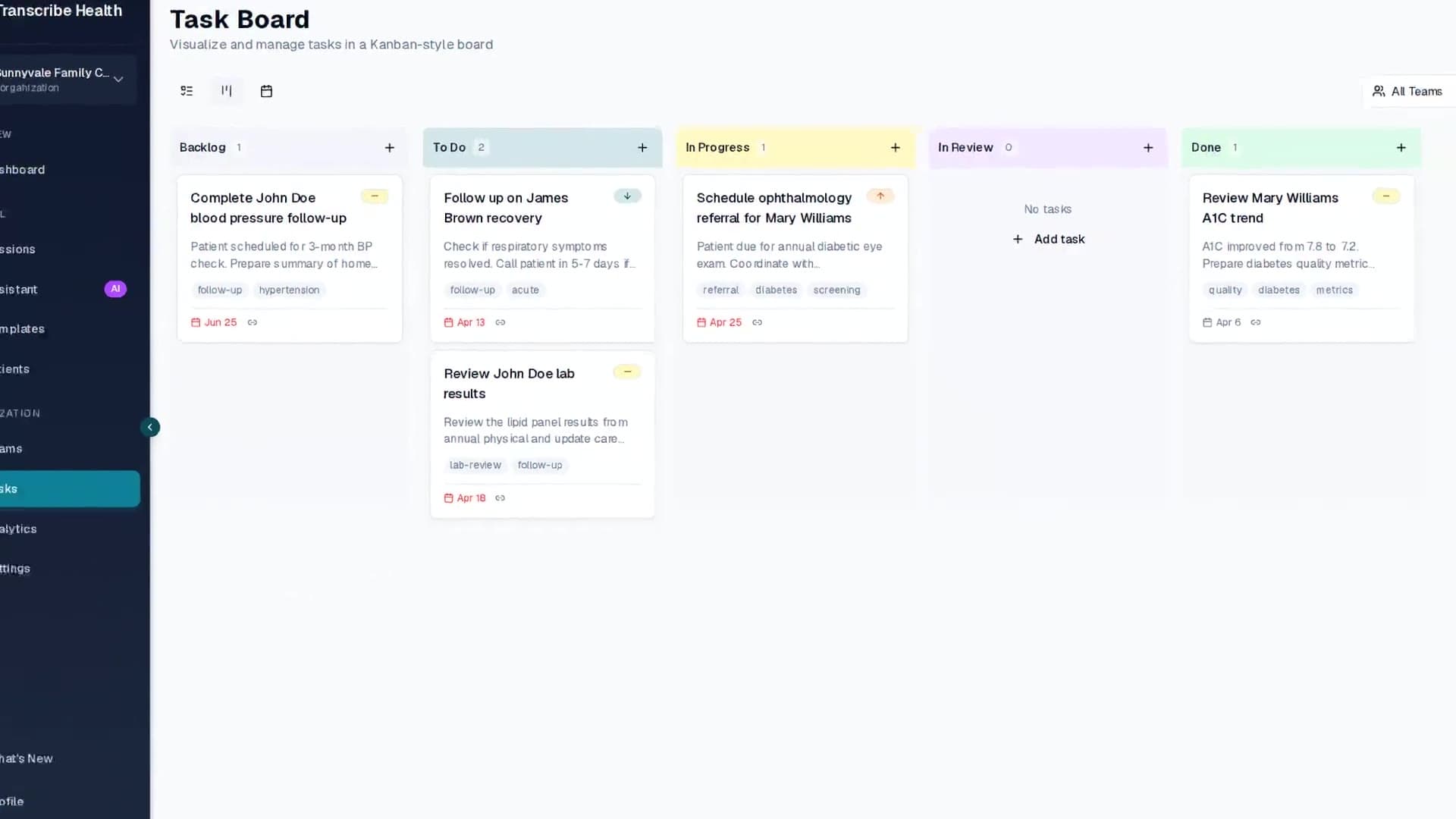
Follow-up work turns into tasks that your whole team can see. Each task is linked to its patient. That way, nothing slips through the cracks.
There is a lot more built into the platform. Faxes arrive in their own inbox, through your clinic's own fax account. Patients can fill in their forms online before the visit. Recalls find the patients who are due for a return visit. With the desktop app for Windows and Mac, you can dictate into any program on your computer. On your phone, the platform works right in the browser. Our iPhone and Android apps are coming soon.
You stay in control of the AI. In the settings, an admin decides what Dorvi is allowed to do for the whole organization. Each ability can be turned on or off, from reading patient records to preparing bookings. Dorvi never books, sends or saves anything by itself. Whatever it prepares waits for a person to confirm it.
One visit, end to end
Now let's follow one patient through a real visit at Maple Clinic.
This is Dr. Martin's schedule for today.
When you click on Sam Lee's appointment, his visit details open on the right. Sam booked this blood pressure follow-up nine days ago. He got a reminder by email and confirmed it. This morning, he checked in at the front desk.
Opening the session shows the conversation between Dr. Martin and Sam. It was captured during the visit. Nobody had to type while they talked.
To write the note, Dr. Martin clicks Generate note and picks a template. The note then drafts itself from what was actually said. It covers the history, the exam, the assessment and the plan, right down to the bloodwork instructions.
Need to double-check something? Dorvi opens in a panel on the right side of the visit. Dr. Martin asks what follow-up was planned for Sam. Dorvi answers from the visit and shows exactly where each answer came from.
When the note looks right, Dr. Martin clicks Sign at the top of the note. A confirmation window pops up. After confirming, the note is signed and locked.
Next, Dr. Martin sends Sam a secure message about preparing for his bloodwork. Sam gets an email with a private link. The details of the message never sit in his inbox.
Then the three-month recheck goes onto the schedule with the New appointment button. The form takes the patient, the provider, the visit type and the time.
Back on Sam's appointment, every step of his visit is checked off. From booking to follow-up, it all happened in one place.
Notes, scheduling, messages, Dorvi and everything else come in one subscription. Transcribe Health gives your whole clinic more time for patients. Start your free trial today.