OSCAR EMR integration walkthrough
Connect a clinic to OSCAR, link a patient's chart, review allergies and medications from OSCAR, then sign a note and send it to the OSCAR E-Chart.
Transcript
The narration as spoken in the video.
Connect OSCAR
Let's connect Maple Clinic to OSCAR.
In Maple Clinic's settings, Integrations lists available EHR connections, including OSCAR. We'll open OSCAR's connection settings.
This dialog needs the clinic's OSCAR server and REST client credentials. We'll enter the connection details, then continue to OSCAR.
OSCAR's approval screen lets the clinic authorize access for Transcribe Health. We'll authorize the connection here.
Connected confirms Maple Clinic's OSCAR is ready.
Link the chart and see its context
Sam's patient page shows their details and visit history. Below, EHR Integration lets us link Sam's OSCAR chart.
We'll open the chart search and look for Lee. Here, we verify Sam Lee's name and chart identifier before linking. We'll link Sam's matching chart.
We can now open EHR Patient Context. OSCAR lists Penicillin with moderate severity and a rash reaction, and Lisinopril at twenty milligrams.
Write, sign and send the note
Sam's draft visit shows the transcript here. Generate note opens a new tab for the draft.
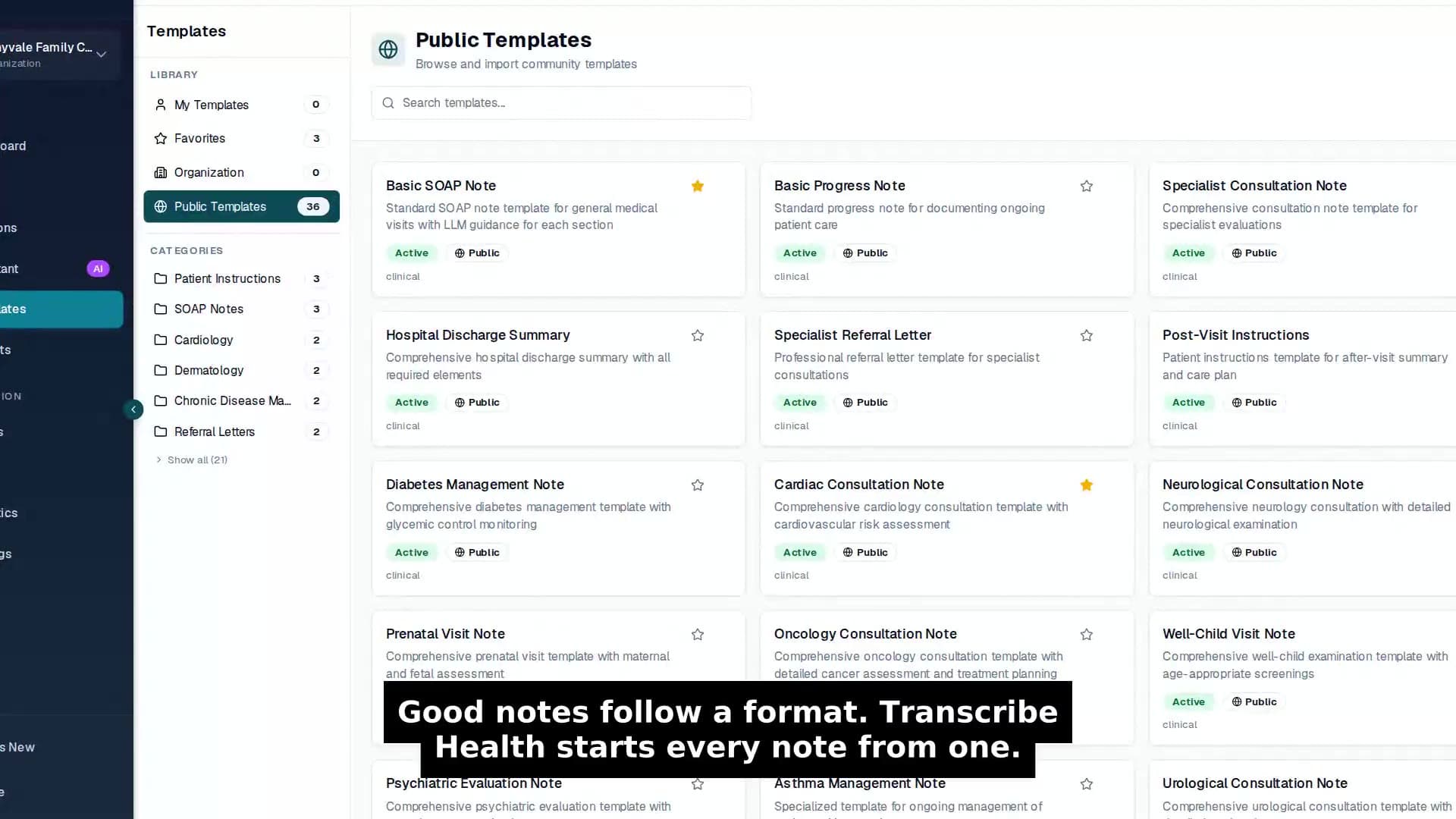
We'll choose Generate note. This menu offers the clinic's templates, including Basic SOAP Note. We'll use that template and skip the generation wait.
The draft is ready in the note tab. We read through it and scroll down to check the plan.
We'll sign the reviewed note in Transcribe Health. Confirming finalizes it and locks it against changes.
The note is signed, so we'll open its menu. The signed note's menu offers Push to EHR. It sends the note to Sam's linked OSCAR chart. We'll send the note now.
Synced to EHR confirms the note reached Sam's OSCAR chart.
Here is the same note in Sam's OSCAR E-Chart. It arrives unsigned, so the clinician reviews and signs it here under their own OSCAR provider number.
The clinician controls both signatures. Explore the OSCAR integration at Transcribe Health.