How AI Scribes Integrate with OSCAR EMR
OSCAR EMR is one of Canada's most popular open-source electronic medical records. Learn how AI scribe integration works with OSCAR to streamline clinical documentation for Canadian physicians.
Published
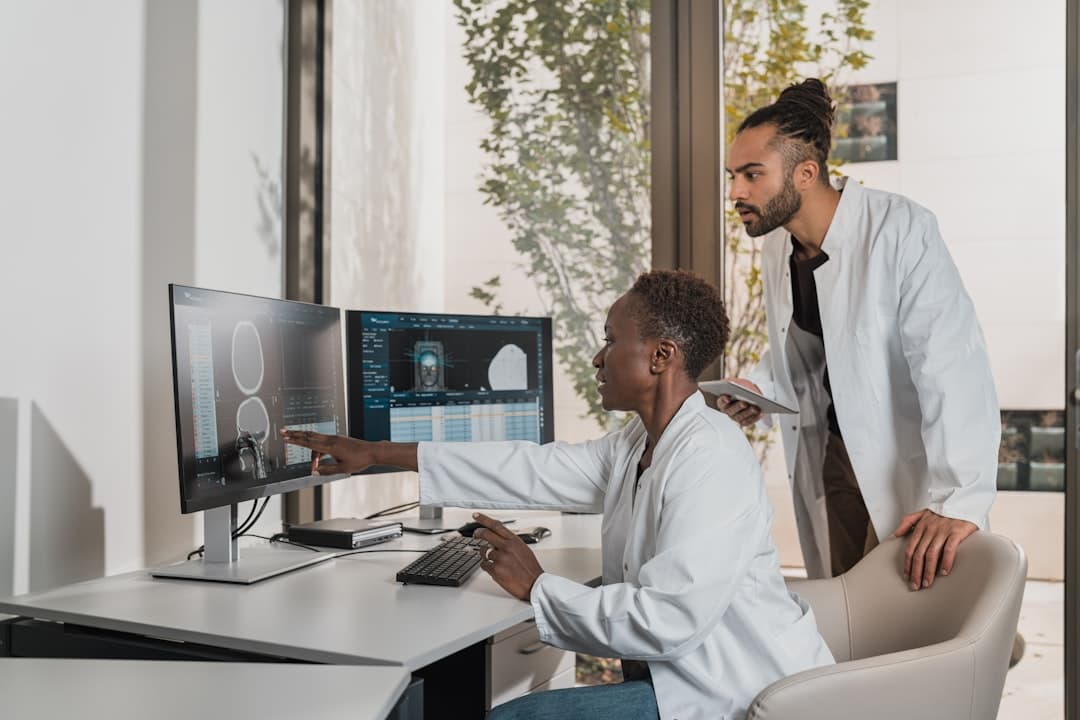
OSCAR EMR and why it matters for Canadian clinics
OSCAR (Open Source Clinical Application Resource) is one of Canada's most widely adopted EMR platforms. Originally developed at McMaster University in 2001, it's grown into the backbone of thousands of family medicine and primary care practices across the country. The platform is maintained by OSCAR EMR, with contributions from a community of developers, clinicians, and open-source advocates.
What makes OSCAR different from proprietary systems like TELUS PS Suite or QHR Accuro is the open-source model. Clinics can self-host it. They can modify the codebase. And third-party developers can build integrations without navigating a locked-down marketplace.
OSCAR handles scheduling, billing, e-forms, encounter notes, prescriptions, lab results, and messaging. It supports provincial billing for every Canadian province, including OHIP in Ontario, MSP in British Columbia, and Alberta Health Care. It's certified by OntarioMD and used by an estimated 10,000+ physicians nationwide.
But OSCAR still suffers from the same documentation problem every EMR does. Physicians spend too much time typing notes and not enough time with patients. That's where AI scribe integration changes things.
The documentation burden OSCAR can't solve alone
Canadian family physicians spend an average of two hours on documentation for every hour of direct patient care. Evening charting, weekend catch-up sessions, and rushed encounter notes are the norm rather than the exception. OSCAR provides the fields for documentation, but someone still has to fill them in.
The problem isn't the EMR. It's the manual process.
A typical family medicine visit in Canada generates several documentation requirements:
- SOAP encounter note in the patient's chart
- Billing submission with the correct fee code (e.g., A007A for a general assessment in Ontario)
- e-Form completion for preventive care reminders, chronic disease management, or screening tools
- Prescription updates if medications change
- Referral letters if specialist involvement is needed
Each of these tasks pulls the physician away from the conversation. Many doctors resort to templated notes that sacrifice clinical detail for speed. Others dictate notes after hours, reconstructing conversations from memory.
AI scribes address this by capturing the encounter in real time and generating structured documentation automatically. But the value only materializes when the output flows directly into OSCAR - without copy-paste workarounds.
How the technical integration actually works
OSCAR's open-source architecture gives AI scribe vendors more integration flexibility than most proprietary EMRs. There are several pathways for connecting an AI scribe to an OSCAR instance, and the right approach depends on how the clinic hosts their system.
REST API integration. OSCAR exposes a set of REST endpoints for reading and writing clinical data. An AI scribe can authenticate with the OSCAR instance and push completed encounter notes directly into the patient's chart. This is the cleanest approach because it handles structured data - the note text and form fields can each land in the correct place.
e-Form population. OSCAR's e-Form system is one of its most powerful features. Some scribe tools map their output to specific e-Form fields, pre-populating chronic disease management forms like the Diabetes Flow Sheet or the Preventive Care Checklist for physician review.
Billing code suggestion. Provincial fee schedules are complex. Ontario alone has hundreds of fee codes across the Schedule of Benefits. Some scribe tools propose a fee code from the clinical context, such as A007A for a general assessment, A004A for a general re-assessment, or K998A for a chronic disease management premium, for the physician to confirm in OSCAR's billing module.
CDS (Clinical Decision Support) triggers. Some tools go further and flag care gaps in OSCAR's preventive care tracking when they detect specific clinical content, such as a patient over 50 with no colonoscopy on record, or a diabetic with no recent HbA1c.
Transcribe Health keeps its OSCAR integration to the chart itself: it finds and links the patient, pulls allergies and current medications into the session, reads the day's appointments and updates their status, and pushes the signed note into the patient's chart. e-Forms, billing and preventive care tracking stay in OSCAR, where the physician completes them as usual.
The integration typically requires coordination with the clinic's OSCAR service provider (OSP). Companies like Juno EMR, KAI Innovations, and PureFORM Medical handle hosting and customization for most OSCAR practices in Canada.
What an AI-integrated visit looks like in practice
Here's how a typical appointment flows with Transcribe Health connected to OSCAR:
Before the visit. Each patient is linked once to their OSCAR record, found by a name search. From then on, the patient's allergies and current medications come across from the chart, so the note is drafted with that history in view.
During the visit. The physician starts the session. The microphone captures the natural conversation between doctor and patient. No templates, no clicking through menus, no typing. The physician focuses entirely on the patient.
Immediately after. The AI drafts a structured note and presents it for review: subjective complaint, objective findings, assessment, and plan, formatted to match the physician's preferred note style.
Review and sign-off. The physician reviews the draft, edits any section, and adds anything the AI missed. Push to EHR then sends the signed note into the patient's chart in OSCAR.
Billing. The physician bills in OSCAR as usual. A thorough note makes the fee code easier to choose and easier to defend if it is ever reviewed.
Reviewing a draft takes far less time than writing a note from memory, and that time adds up across a full day of patients. It goes back to patient care, or frankly, back to the physician's personal life.
PIPEDA and provincial privacy requirements
Canadian physicians face a different privacy framework than their American counterparts. Instead of HIPAA, they navigate PIPEDA at the federal level and province-specific health privacy legislation that typically takes precedence for health data.
Any AI scribe integration with OSCAR must satisfy several privacy requirements:
Data residency. Multiple provinces restrict or discourage health data from leaving Canada. British Columbia's public-sector rule keeping public bodies' personal information in Canada was repealed in 2021; private clinics fall under BC PIPA, which requires reasonable security arrangements wherever the information is held. Ontario's PHIPA creates obligations around cross-border data transfers. Your AI scribe vendor must process and store all audio and transcript data within Canadian data centers.
Consent. Patients must understand that an AI is recording and processing their encounter. Implied consent covers treatment-related documentation in most provinces, but transparency matters. Best practice is a brief verbal notification at the start of the visit plus signage in the waiting area.
Data minimization. The AI should only capture and retain what's necessary for clinical documentation. Audio recordings should be kept only as long as there is a reason to, on a defined schedule, and then deleted. Retaining raw audio indefinitely creates liability.
Audit trails. OSCAR already maintains audit logs for chart access. The AI scribe integration needs to extend this - logging when data was sent to the AI service, when the generated note was returned, and when the physician approved it.
Information management agreements. Alberta's HIA and several other provincial laws require formal agreements between the clinic (the "custodian" or "trustee" of health information) and any third-party processor. This is the Canadian equivalent of a Business Associate Agreement under HIPAA.
For a deeper look at Canadian privacy requirements for AI transcription, see our PIPEDA compliance guide. Transcribe Health stores and processes Canadian clinics' data in Canada by default. Audio, transcripts, and notes are stored on Canadian infrastructure, and AI note generation runs on models hosted in Canada. Data leaves Canada only if a clinic explicitly opts in to cross-border processing.
What OSCAR practices gain
Time back. Charting moves from the evening to the minutes after each visit. Reviewing and signing a draft is faster than writing from scratch, and the note is in OSCAR before the next patient sits down.
Billing confidence. Many family physicians undercode their visits. An A003A (consultation) that should have been billed as an A007A (general assessment) costs little on one visit, but across a full year the missed revenue adds up. A complete note makes the right code easier to see and easier to support.
Note quality improves because the AI captures the actual conversation rather than a physician's abbreviated memory of it. Specialist referrals receive more detailed histories. Continuity of care improves when locums or covering physicians can read thorough notes.
Physician wellbeing is harder to quantify but impossible to ignore. The physicians most at risk of burnout are the ones spending their evenings catching up on documentation. Eliminating after-hours charting doesn't just save time - it changes how sustainable the job feels.
Getting started with AI scribe integration in your OSCAR practice
If you're running OSCAR and considering an AI scribe, here's a practical path forward:
1. Check your OSCAR version and hosting setup. Integration capabilities depend on which version of OSCAR you're running and whether your OSP supports API access. Juno EMR and other major OSPs typically support REST API integration. Self-hosted instances may require additional configuration.
2. Evaluate your provincial requirements. Review the privacy legislation that applies to your practice. If you're in Ontario, that's PHIPA. In Alberta, HIA. In BC, PIPA or FIPPA depending on whether you're a public or private provider. Your AI scribe vendor should be able to demonstrate compliance with the relevant law.
3. Run a pilot. Start with a single physician and a defined patient population. Track charting time, billing accuracy, and physician satisfaction over 2-4 weeks. This generates concrete data for a broader rollout decision.
4. Train your team. The physician using the AI scribe needs minimal training - the technology is designed to be invisible during the encounter. But front desk staff need to understand the consent notification process, and billing staff should know that notes now arrive in the chart sooner and in more detail.
5. Scale across your practice. Once the pilot confirms the value, roll out to additional providers. Most practices complete a full rollout within 4-6 weeks.
Transcribe Health connects natively to OSCAR, including OSCAR Pro and Open-O. It pulls the patient's allergies and medications into the session and pushes the signed note into the patient's chart. Visit our OSCAR integration page for technical details, or check our pricing to see plan options for Canadian practices.
Related Articles
AI Scribes in Community Health Centers and FQHCs
Federally qualified health centers carry heavy documentation and reporting burdens on thin budgets. Here is how AI scribes fit the FQHC model, from UDS reporting to high-volume, multi-language visits.
Practice ManagementHow to Choose an AI Medical Scribe for Your Specialty
Not all AI scribes handle every specialty equally. Learn what to look for when choosing an AI scribe that understands your specific clinical workflow, terminology, and documentation requirements.
Practice ManagementAI Medical Scribe vs Human Scribe: Which Is Better for Your Practice?
Compare AI and human medical scribes across cost, accuracy, scalability, and workflow fit to find the right option for your practice.
Related Resources
Bring AI support to your clinic
Explore clinical notes, Dorvi and tools for the work around each visit. Start a 14-day free trial, with the first charge on day 15.
Start Free Trial